
 Deutsch
Photogrammetry 101
Processing
This is the step you’ll begin to process the “scan” in a software called Reality Capture. There are some other specialized software applications (Metascan, a product formerly called PhotoScan, 1-2-3-Catch), you can use. Reality Capture is so incredibly fast you won’t use any other once you have tasted it.
The processing in all these applications is the same:
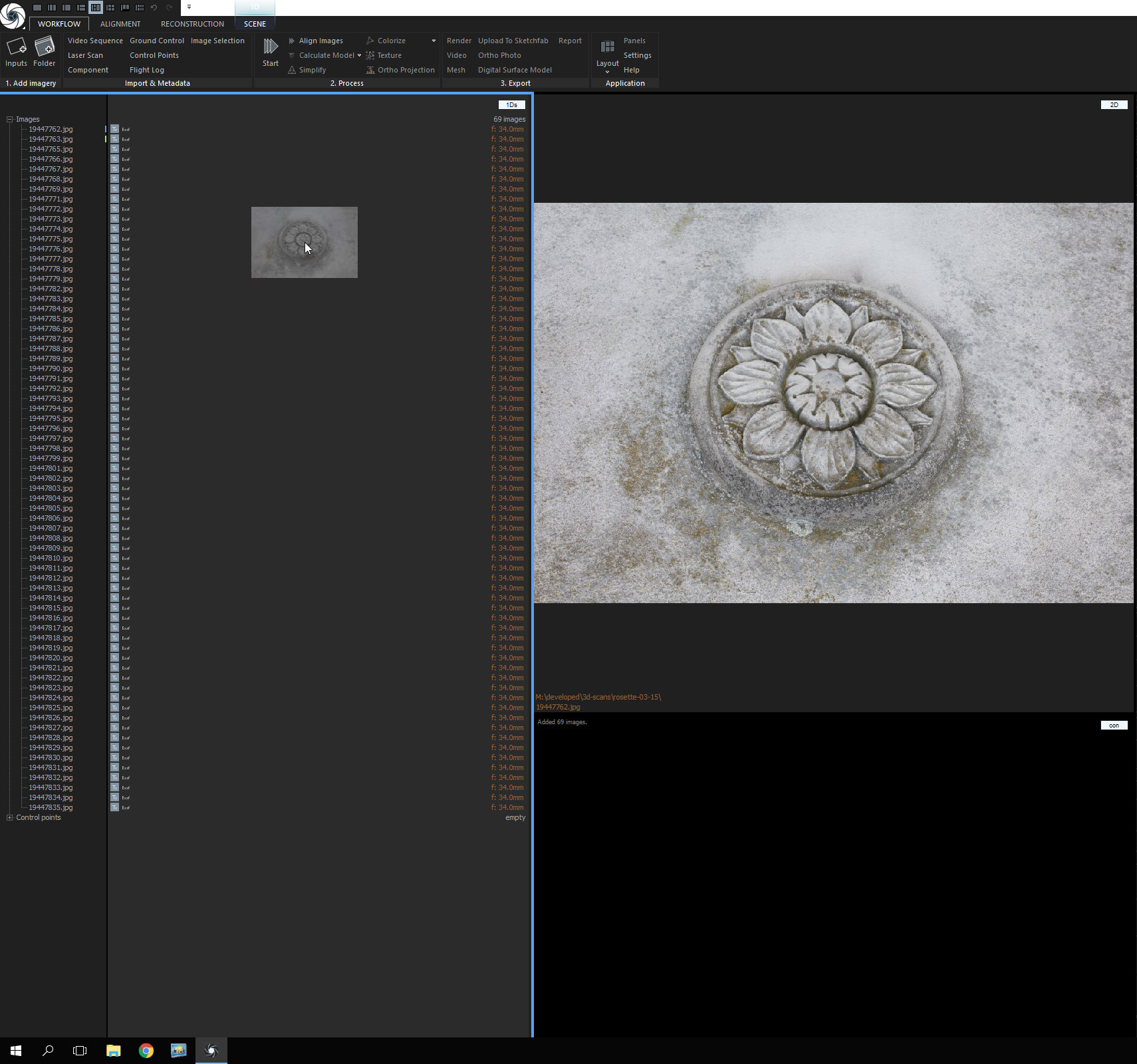
- First you load the images
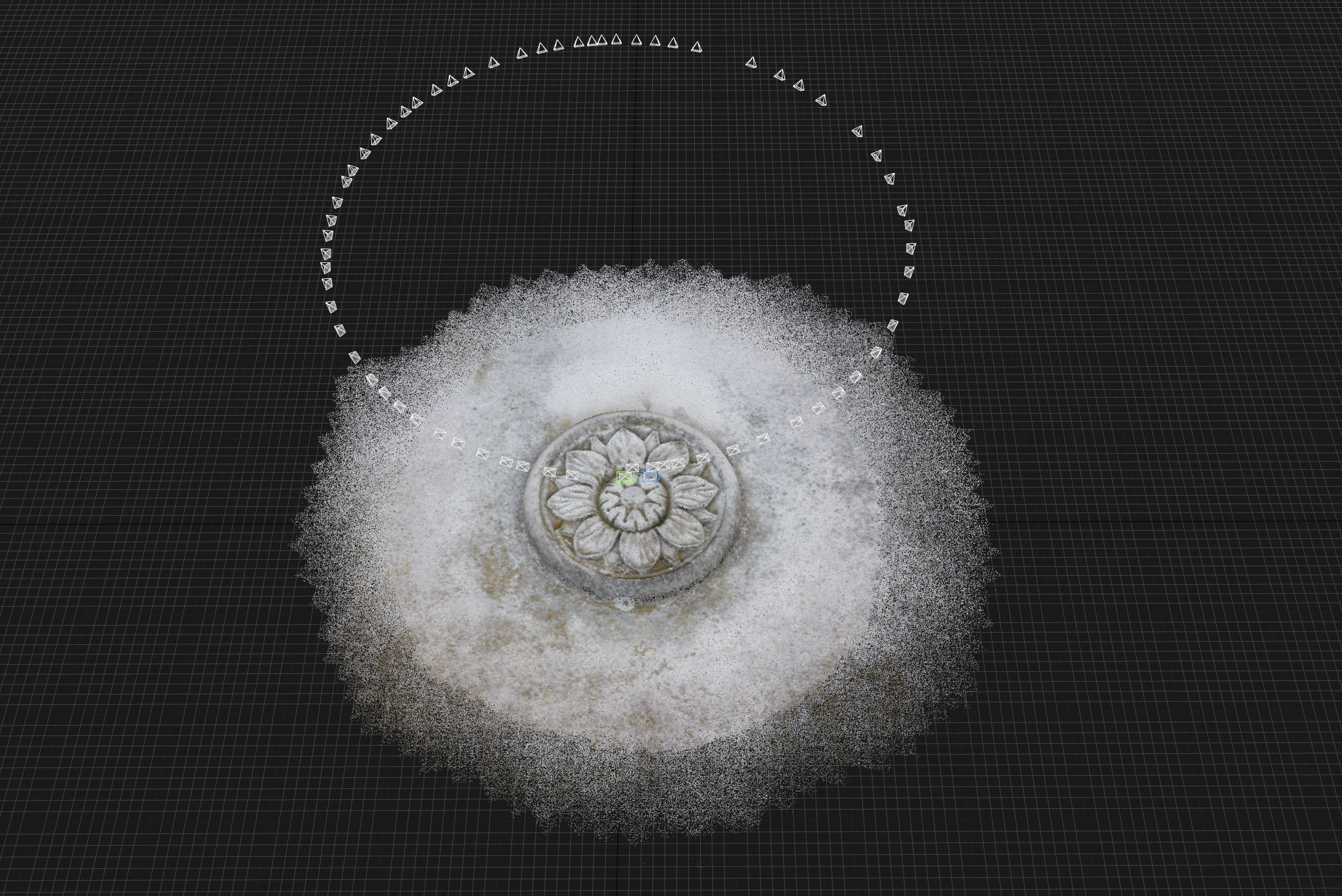
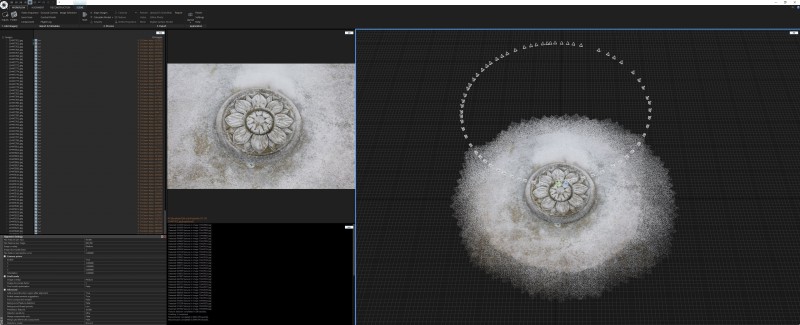
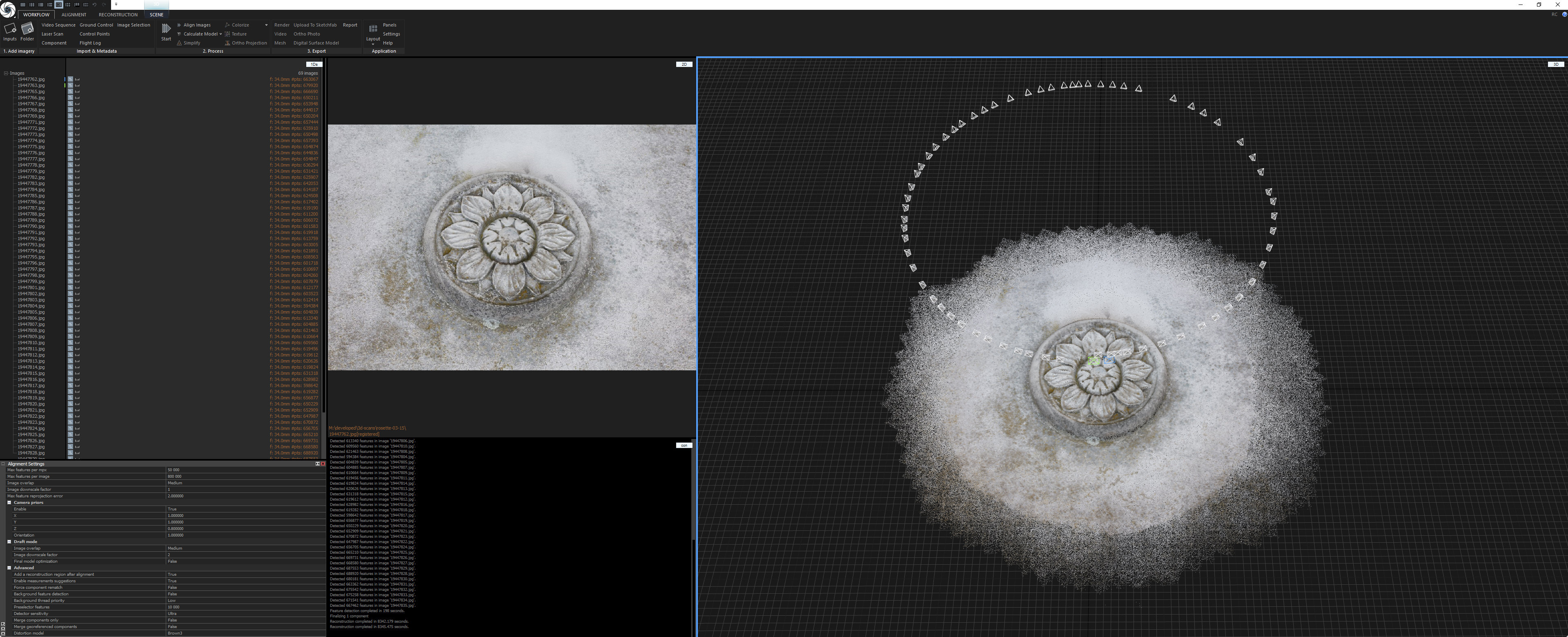
- Aligning the images (also called registration). During this process the software will look for features in each photo that are contained in the neighbouring images as well. The result from this feature detection and registration are the camera positions of all images and a cloud of tie points
- Reconstruction: Calculating a model from the images and points
- Unwrapping: Creating a texture atlas
- Texturing: Rendering a texture from the images that is projected onto the point cloud / mesh using the texture atlas
- Exporting: Rendering a mesh of triangles, the geometry, that can be used in any 3D application
Loading the Photos
Algning the Photos
Adjusting the Ground Plane

Ground plane not well aligned
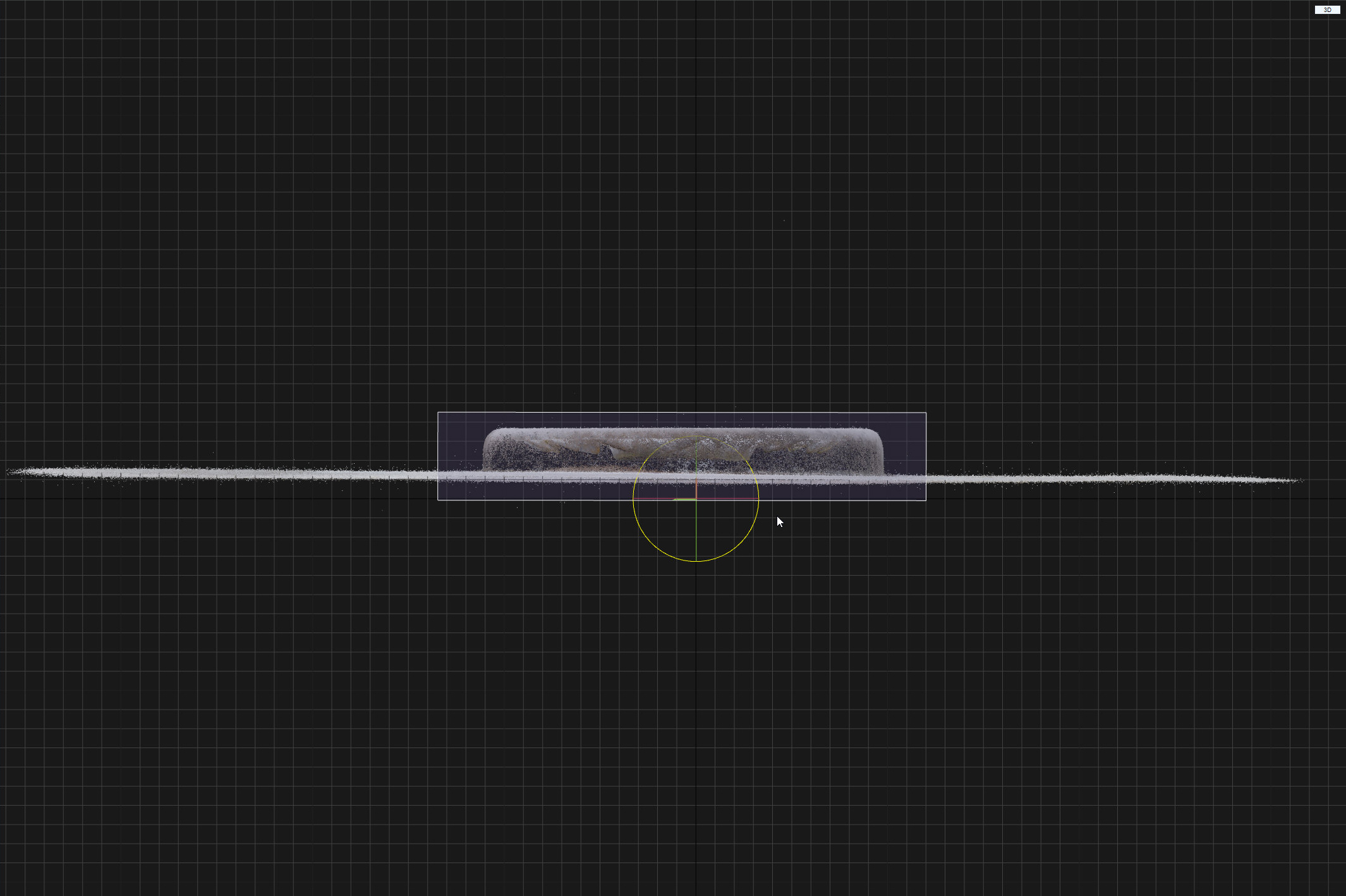
Ground plane should be aligned well to x, y, and z axis
Setting up the Reconstruction Region

Restricting the y-width of the reconstruction region

Reconstruction region adjusted as close to the requested part of the object as possible
No Comments